Kiosk
2019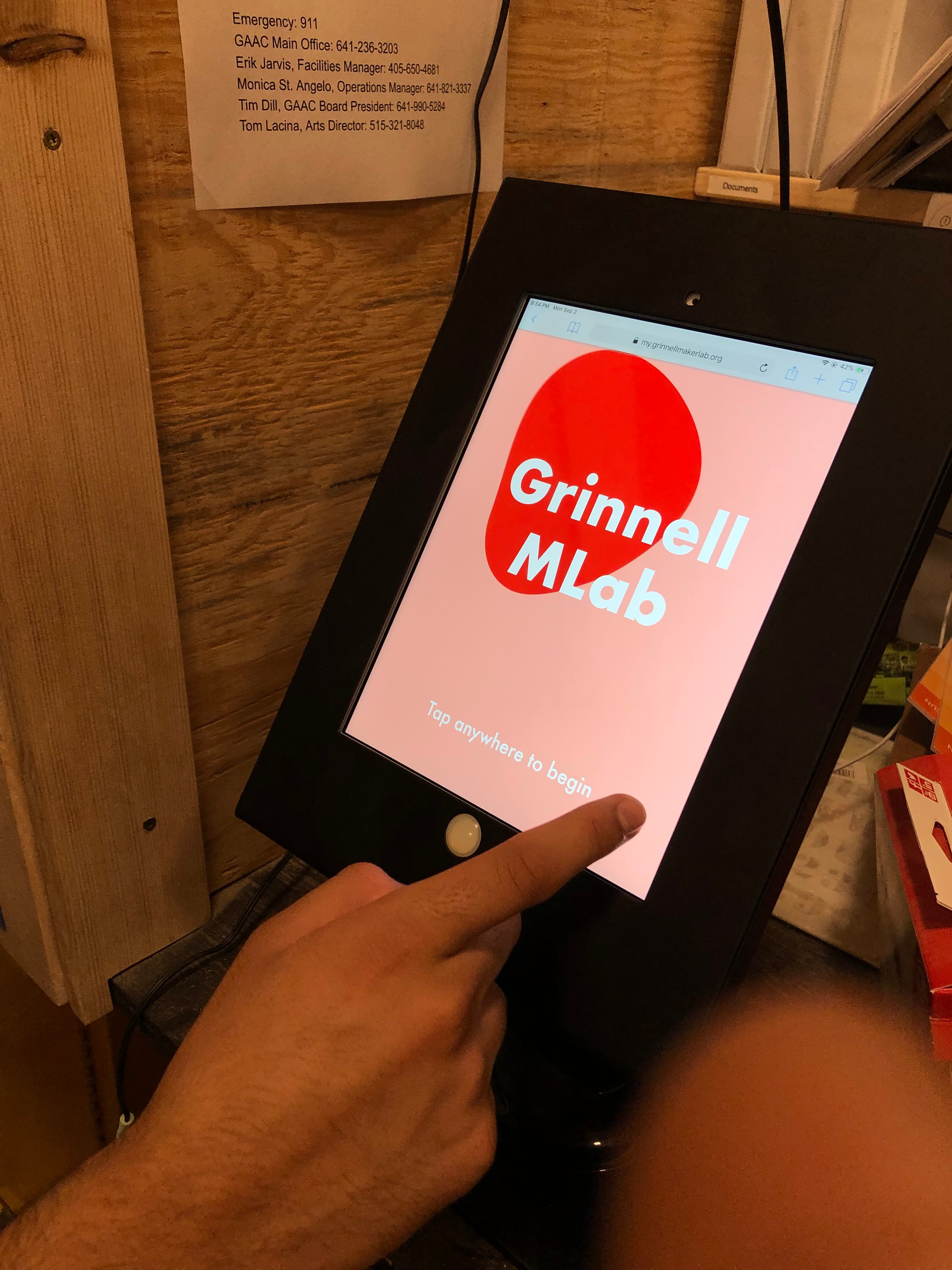
In college, Carlton and I worked as student supervisors at the local makerspace. The makerspace was a partnership between the local arts council and the college, which resulted in a diverse clientele spanning high schoolers, retirees, local professionals, college faculty, college staff, and more.
As Makerspace supervisors, they were responsible for checking in guests, ensuring that each guest had a waiver on file, and training guests on the tools they wanted to use.
There were a few pain points when doing this manually:
- It wasn't always easy to verify tool knowledge when the makerspace had hundreds of unique guests every week
- Manually tracking that a guest had a waiver signed wasn't always easy when waivers were spread across several binders
- Makerspace staff attention was often split between basic, routine check-in procedures and the more critical supervising work they should be doing: making sure that tools were being used properly
Carlton and I built a Portal which makerspace staff could use to log when members came into the space, see which tools they were trained on, and certify that their waiver had been saved. They wrote it in a mix of Django and Vue.js.
Here's what the login page for the Portal app looked like:
The Portal worked great for new members, because there are a few steps involved when a guest first gets to the space. To become a member, guests must:
- Sign a waiver
- Get their photo taken
- Review a safety guide
- Take a safety quiz
The only downside of the Portal app was that it required manual involvement of the supervisor for returning members, distracting supervisors from registering new members and managing the space. This was the existing workflow for returning members:
- Member enters the space
- Supervisor greets them, asks if they've been here before
- Member says they have
- Supervisor asks for their name and looks them up on the Portal
- Supervisor finds the member in the directory and checks them in
- Supervisor asks which tools the member plans on using
- Member says they plan on using tools X, Y, and Z
- Supervisor confirms that these are the tools the member can use
This wasn't ideal. The duo created a simple, self-serve experience for returning members that wouldn't require supervisor involvement, using the form factor of a kiosk: an iPad encased and displayed at the entrance of the space. An eye-grabbing screensaver would further remind returning members to check in. With the kiosk, a guest could facilitate their own check-in process, while the supervisor could still track all the members in the space on the Portal.
The kiosk lived at the entrance of the space, an iPad mounted in a frame, decorated by members, with a screensaver prompting returning guests to tap and check in.
Some initial mockups for the user experience of the Kiosk:
There are a few improvements here:
- The lookup process is easier for less common names because the member types in their own name, as opposed to a supervisor making their best guess on spelling.
- It's harder to impersonate another member because a verification step was added (the birthday).
- The member feels more empowered when they see their certified tools on a kiosk, as opposed to being told what they can and can't do by the supervisor.
- The check-in flow becomes a more seamless part of the supervisor's job, as opposed to a time sink